LuminaryWiki
Demo databaseFull-game content is not included.Scope and refresh status
Luminary Demo catalogue

Mechanics and Guides

Controls, combat, travel, progression, onboarding, and demo boundaries.

10records
10 shown
Mechanics and Guides

Demo Quick Start

Character creation, Hall of Heroes tutorials, controls, waytrees, and Light's Threshold.

All details and relationships

Choose a race, complete the Hall of Heroes tutorials, set a respawn point at the waytree, and continue into Light's Threshold.

Progression
Accelerated for demo
Co-op
Disabled in demo
Main region
Light's Threshold

Used in

Reference

Tactics

Next step

Encountered in

Mechanics and Guides

Controls

Keyboard, mouse, and gamepad actions used in the demo.

All details and relationships

Movement uses WASD or arrow keys. Interact with F, jump with Space, dodge with Left Alt, open inventory with I, and lock on with Middle Mouse or Tab. The radial menus use Z, X, C, and V.

Interact
F
Jump
Space
Dodge
Left Alt
Inventory
I
Lock-on
Middle Mouse or Tab
Hide HUD
F8
Primary attack
Left Mouse
Secondary attack
Right Mouse
Specials
Q and E
Ultimate
R
Weapon radial
Z or 1
Consumable radial
X or 2
Tool radial
C or 3
Gesture radial
V or 4

Tactics

Guide

Mechanics and Guides

Combat

Lock-on, attack, block, dodge, and ranged inputs.

All details and relationships

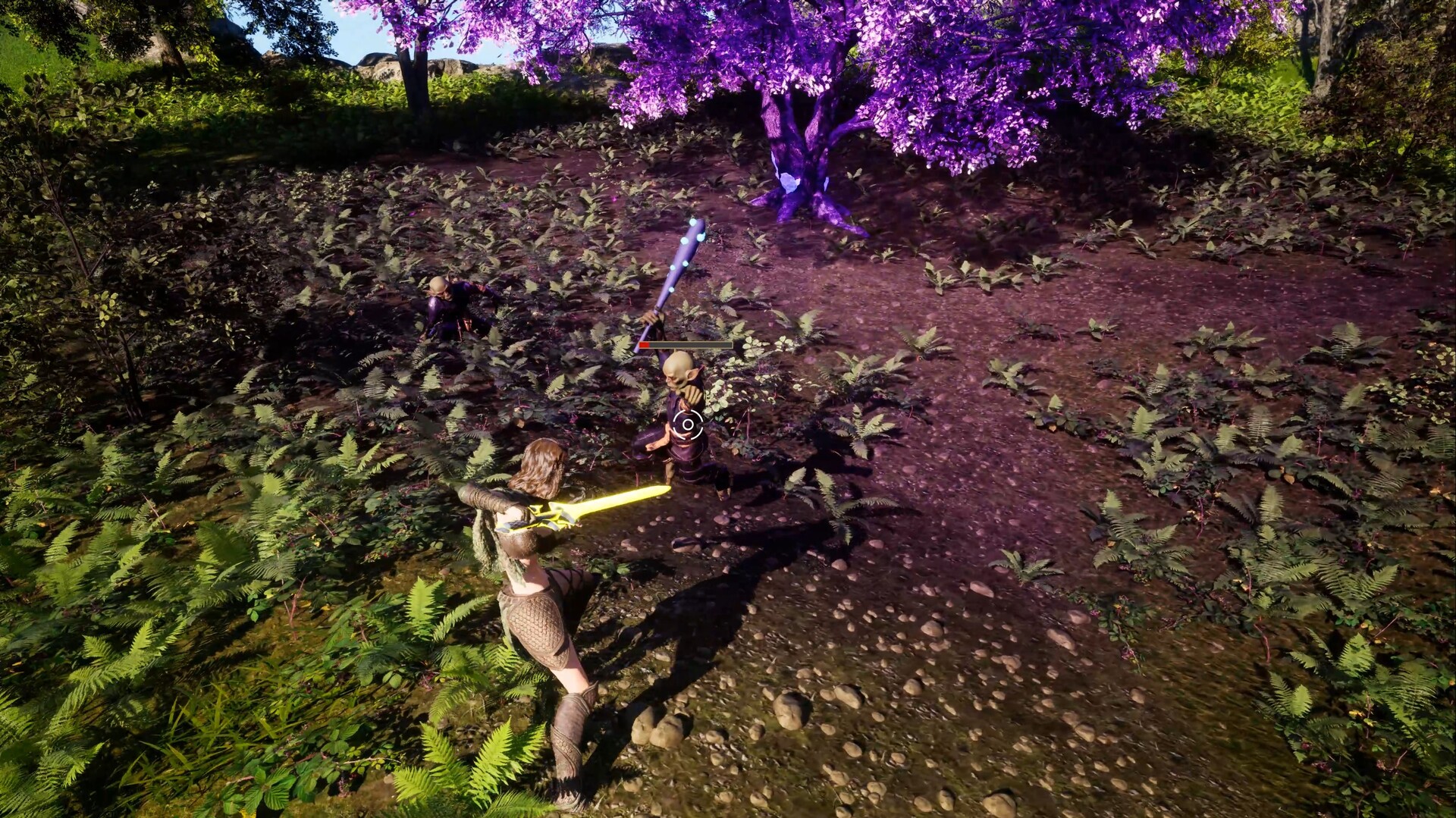
Tap primary for a light attack, hold primary for a heavy attack, and hold secondary to block or aim. Golem attacks cannot be shield blocked.

Light attack
Tap primary
Heavy attack
Hold primary
Block or aim
Hold secondary
Golem defense
Dodge, do not shield block

Inputs

Boss

Practice

Mechanics and Guides

Character Creation

Race selection and appearance options in the demo.

All details and relationships

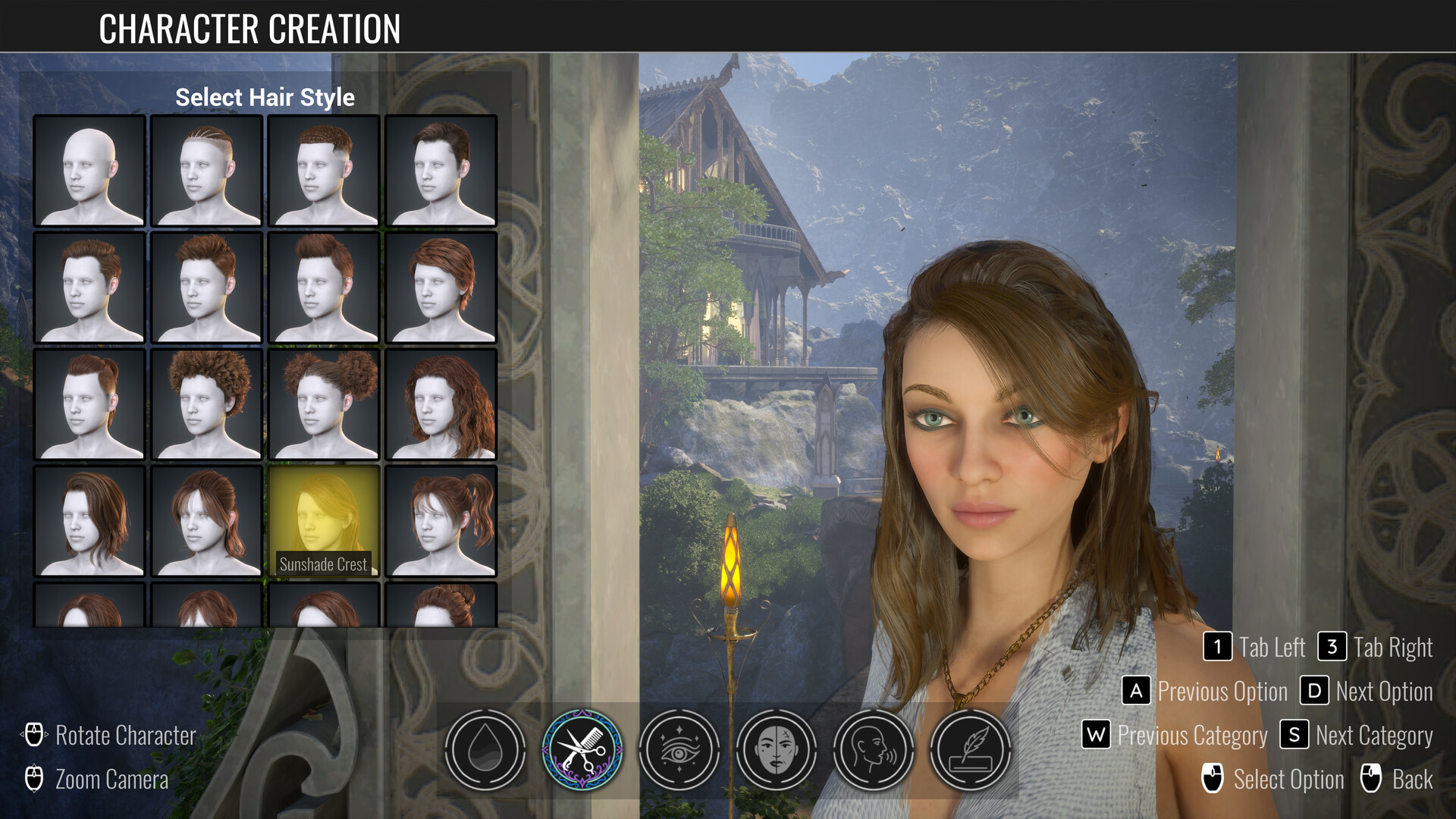
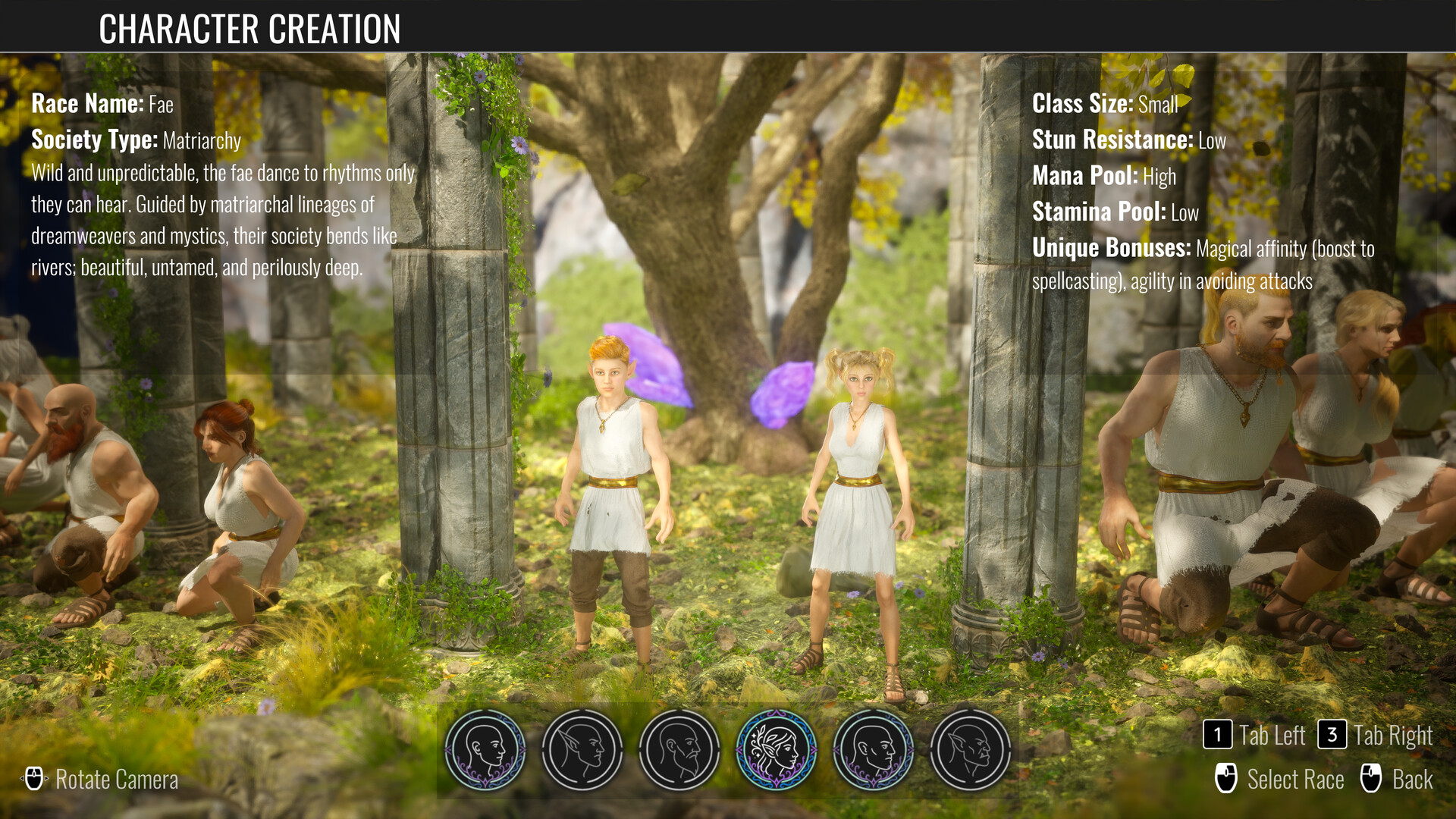
The creator presents six race choices. Hair, facial hair, eyebrows, eyeliner, eye shape, makeup, name, voice, and body-art controls are represented in the demo. Region customization is available only for humans in this build.

Race choices
6
Region options
Human only
Hair options
20
Facial hair options
8
Eyebrow options
24
Eyeliner options
10
Eye shapes
4
Makeup options
6

Includes

Race choice

Mechanics and Guides

Waytrees and Respawning

Cleanse waytrees to create a safe return point.

All details and relationships

Hold the interact input at a waytree to cleanse it. Cleansing also sets the waytree as your current respawn point.

Activation
Hold Interact
Result
Cleanses and sets respawn

Encountered in

Input

Mechanics and Guides

Gliding

Deploy the glider while falling to cross gaps and descend safely.

All details and relationships

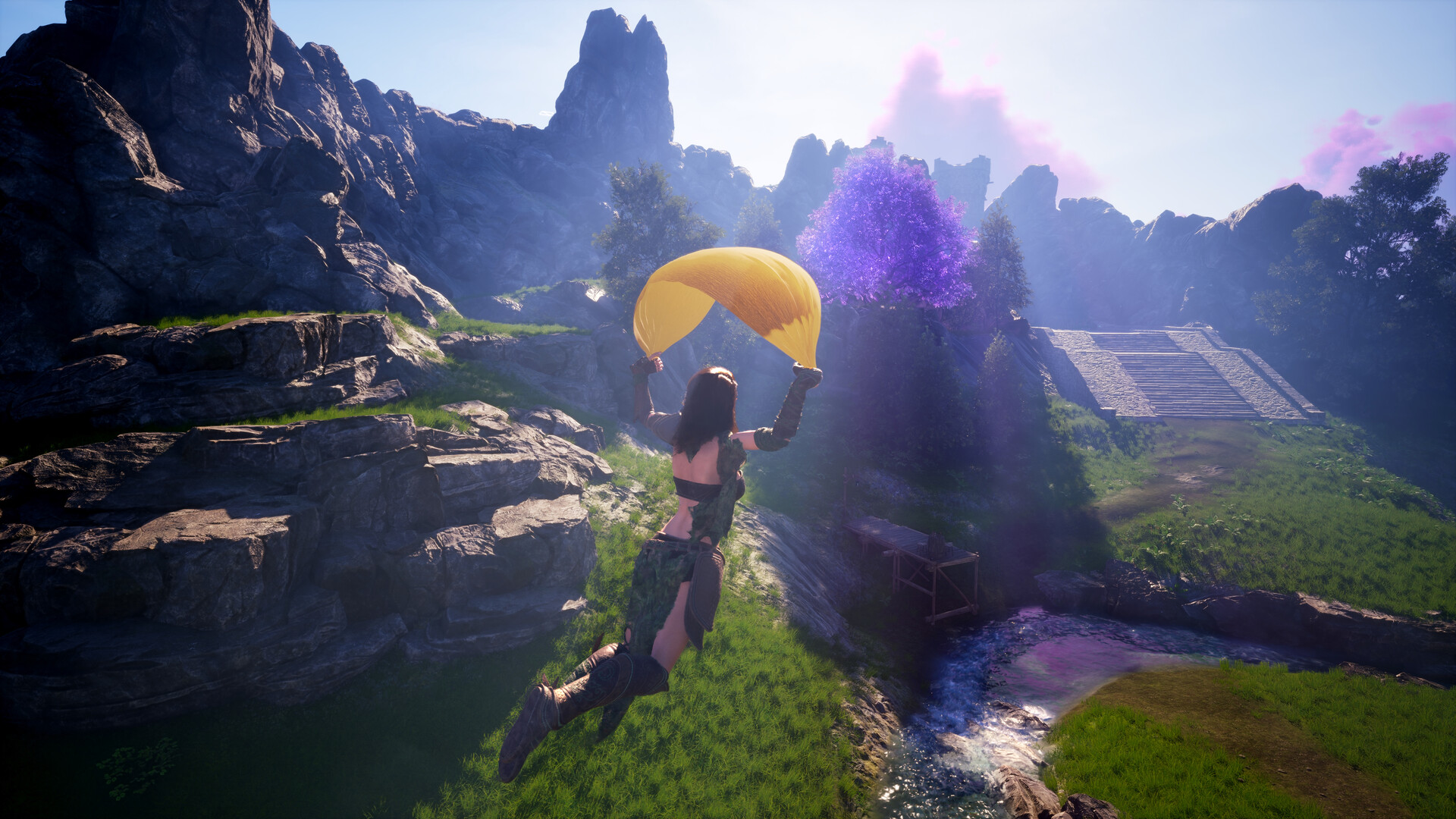
Press the jump input while already falling to open the glider. Use it to extend jumps and control descents across broken terrain.

Deploy
Jump while falling

Encountered in

Input

Mechanics and Guides

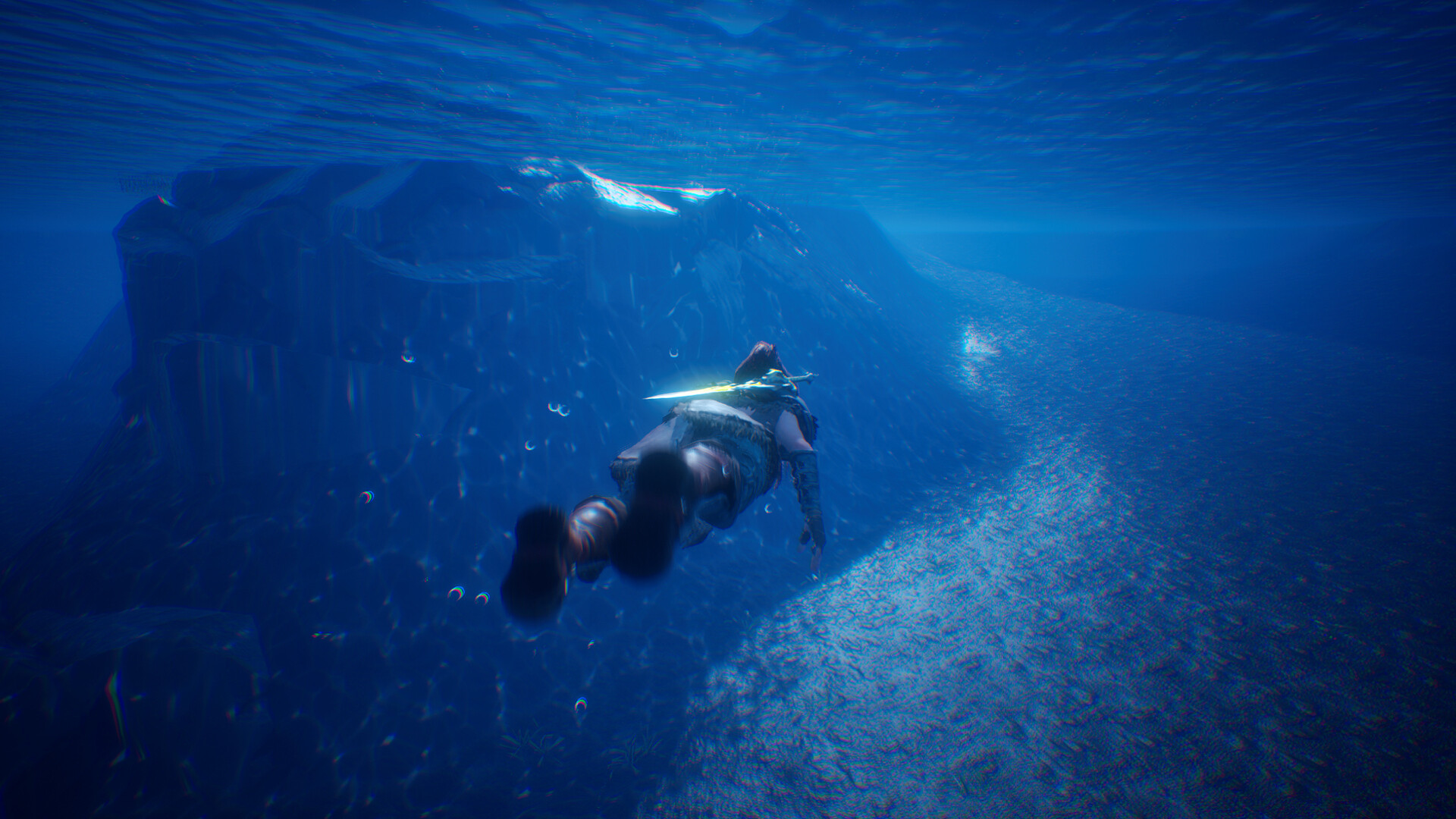
Swimming

Move through water, dive, and jump back out.

All details and relationships

Standard movement controls swimming direction. Use the roll input to dive and the jump input to leave the water at a reachable edge.

Dive
Roll input
Exit water
Jump

Encountered in

Inputs

Mechanics and Guides

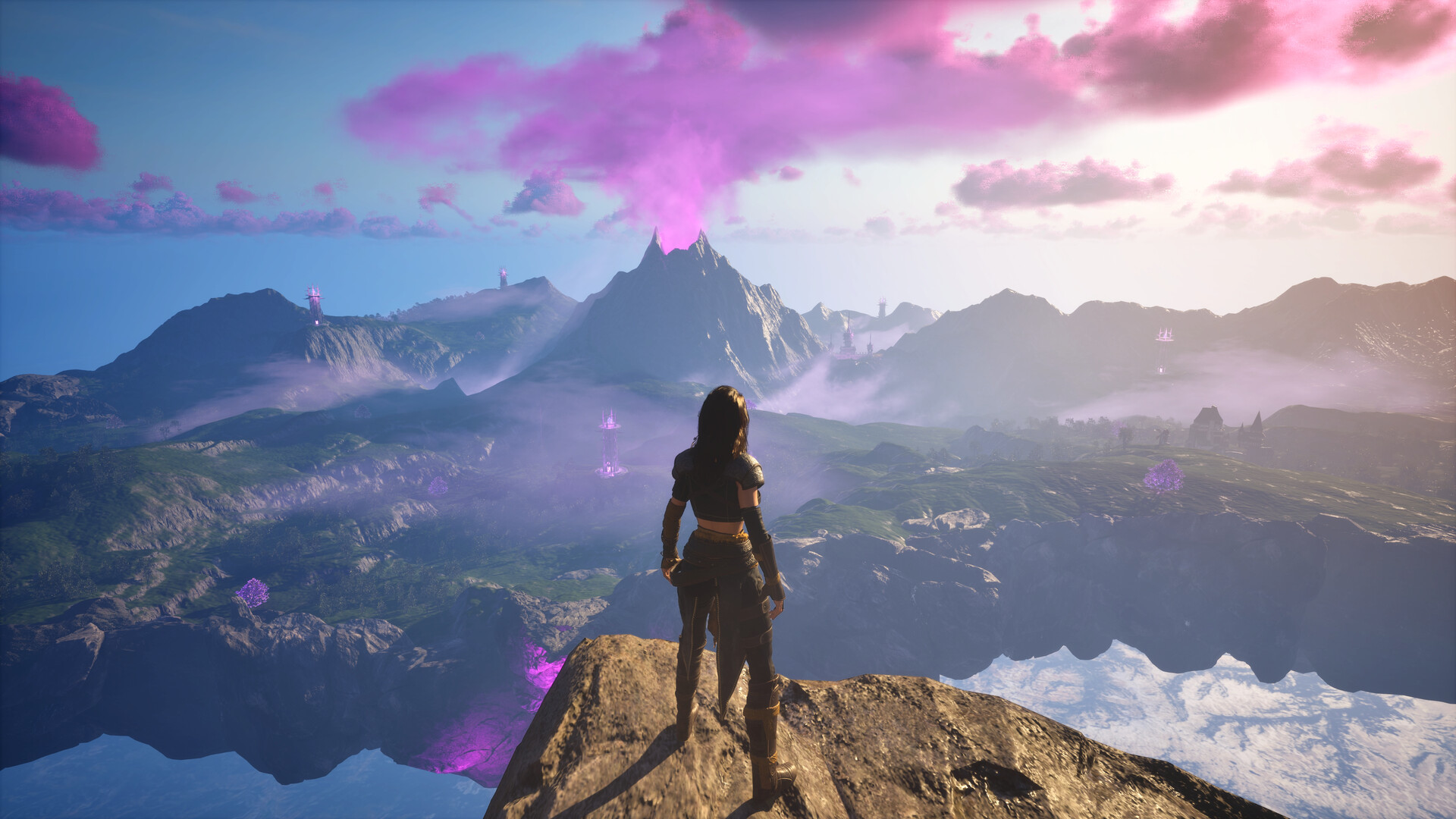
Mastery and Progression

Five demo skill tracks with a level cap of 10.

All details and relationships

Using supported weapons and consumables advances their mastery tracks. Progression speed is increased for the demo. Named level 2 and level 3 unlocks are active, while the later hidden slots are explicitly unavailable.

Skill tracks
5
Level cap
10
Demo speed
Increased
Hidden future slots
Excluded

Track

Mechanics and Guides

Difficulty

Tutorial and higher enemy-density settings.

All details and relationships

Tutorial shows all tutorial prompts. Higher settings increase enemy count and enemy difficulty.

Tutorial setting
All tutorials shown
Higher settings
More and harder enemies

Guide

Mechanics and Guides

Demo Scope

Free demo scope and excluded full-game content.

All details and relationships

Co-op is disabled, progression is accelerated, and later locked skill slots are unavailable in the demo.

Steam app
4059020
Co-op
Disabled
Progression
Accelerated
Full-game data
Not claimed

Start here

Search every record

Try a race, item, enemy, skill, location, or mechanic.